$ 80.00 a day
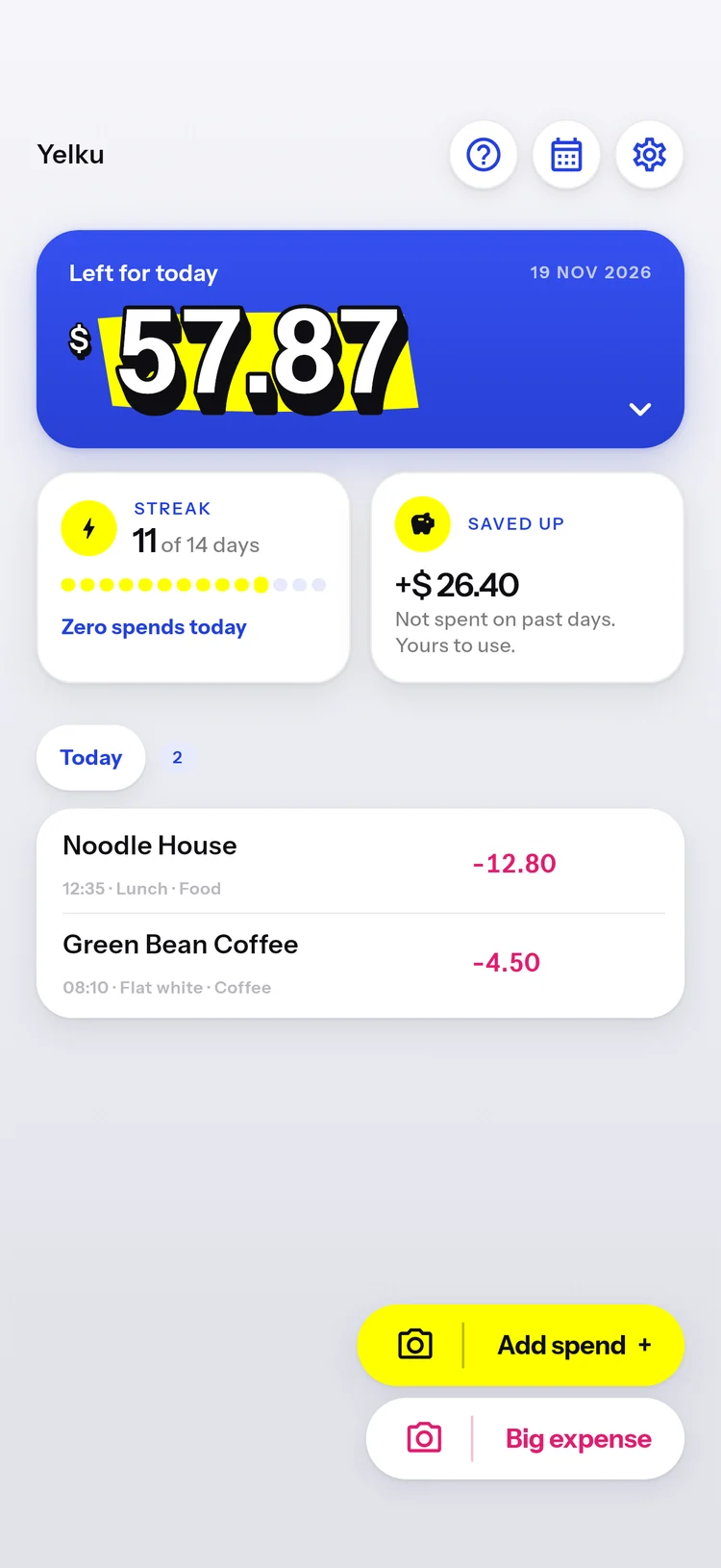
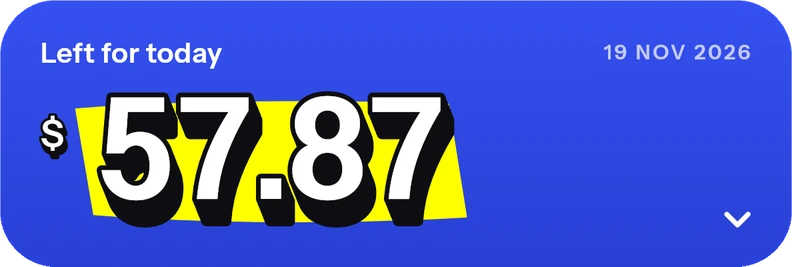
$ 1,200.00 over 15 days, counting today. Both phones show it as Left for today.
Budget app for couples
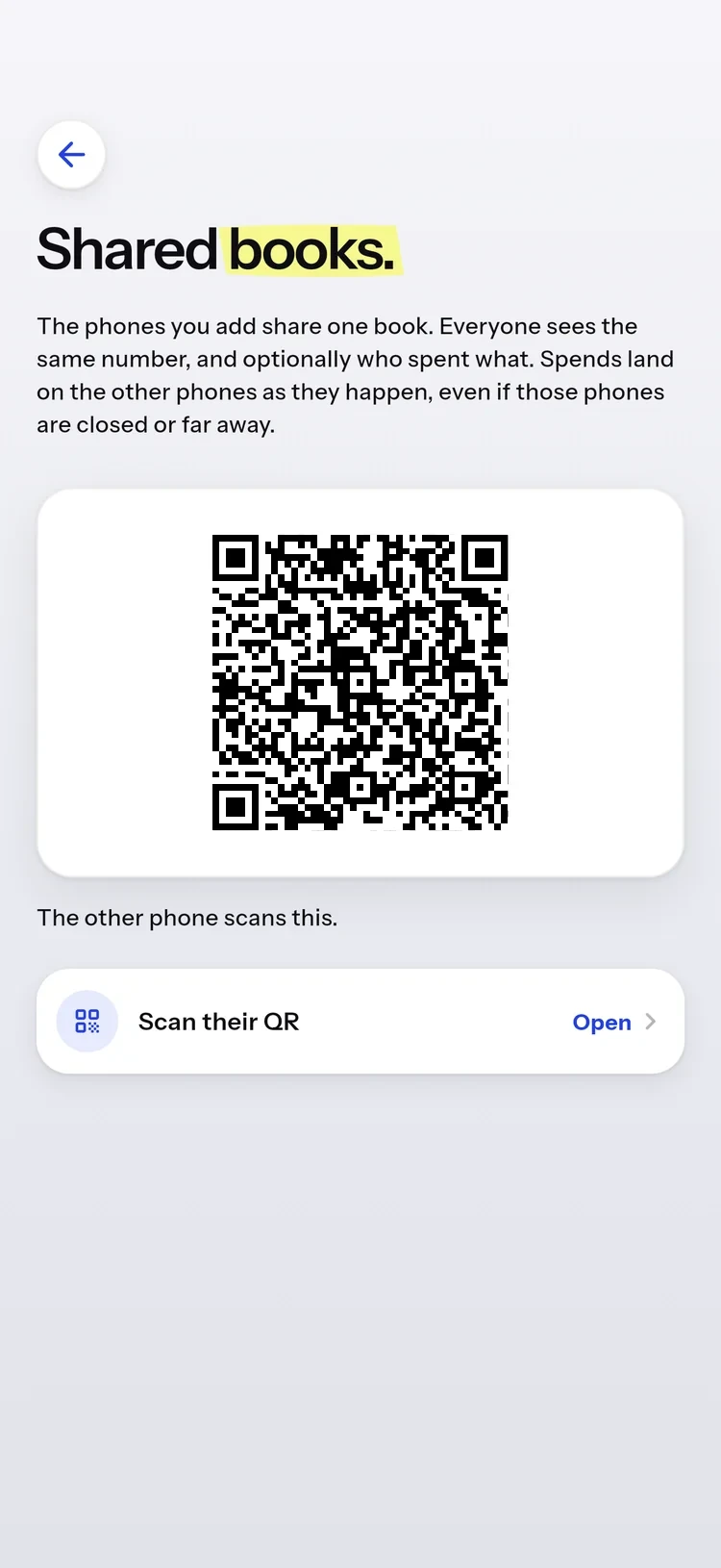
Yes. Pair two phones once by QR code and share one Yelku book. You both see the same number, from what you each add.

iPhone, iPad and Android. No bank login. No ads.
Pairing two phones
On Yearly and Monthly, it takes one scan. Off-grid swaps the book by camera instead.
Only want to keep your bank out? A budget app that doesn't link to your bank account.
Choosing an app? What to check in a daily budget app.
Rather share a week than a day? An app for a weekly spending limit.
One book, two phones
In the app's words: "Everyone sees the same number, and optionally who spent what."
A worked example
Say the two of you share $ 1,200.00 for the 15 days to payday, in Daily.
$ 1,200.00 over 15 days, counting today. Both phones show it as Left for today.
You add groceries. Your partner adds a coffee. Both phones now show $ 44.00 left for today.
Nothing more spent? The $ 44.00 carries over: the $ 80.00 base plus $ 44.00.
Honest limits
It is one spending number for both of you, not a bank feed or a bill splitter.
A spend neither of you adds is not counted. The number is only as true as what you enter.
Yelku can show who spent what. It does not work out who owes whom.
Yelku logs spends, not income. When money comes in, Add to pot puts it onto the pot.
Questions
Yes. Yelku has no bank connection. Pair the second phone by QR code in Settings, under Shared books.
You both see the same number. It comes only from what each of you adds, typed or scanned from a receipt.
No. Yelku never sees any bank account, joint or not. Your pot is the most the two of you want to spend.
No, and it has no ads. In the United States, Yearly is $49.99 a year and Monthly is $9.99 a month.
Prices differ by country. Your store shows yours before you pay.
Where it is offered, Yearly starts with 3 days free. Cancel before it ends and you pay nothing.
Yelku sets it aside, and it stays stored. Leave the group and your personal history comes back.
Yes, if you want. Once paired, Settings has Show who spent: names on spends and monthly totals. It starts off.
Yes. After pairing, open Connected phones in Settings and tap Add another phone.
You can add spends and see your number without a connection. Shared books do not sync while you are offline.
In Off-grid, the phones swap the book by camera instead, so it does not update as you spend.
Yes. Open Connected phones and tap Leave this group. Your personal history comes back.
The days you shared stay saved. Pair again with the same group and they return.

Yelku for iPhone, iPad and Android.